Creation of Tags for Exchange with UA Server
There are 2 methods to create tags: the 'Add. Protocol Tag' command and the 'Add. Protocol Tags (Import)' command .
Tag creation using the ’Add. Protocol Tag’ command
Upon the Add. Protocol Tag command, the opcuatag tag is created in the device.
An identifier of a UA server tag is set for the opcuatag tag manually as a value of the OPCUA Tag ID parameter:

Tag creation using the ’Add. Protocol Tags (Import)’ command
Upon the Add. Protocol Tags (Import) command, the Import OPC UA tags dialog is displayed. In that dialog, click the Connect button. Upon this command, Multi-Protocol MasterOPC Server connects to the UA server, and objects of the UA server are displayed in the left part of the dialog:

Next, you should select tags required (that is, set flags on the left).

Next, you should click the OK button. As a result, groups and tags are created in the device (the parameter OPC UA Tag ID is set automatically):

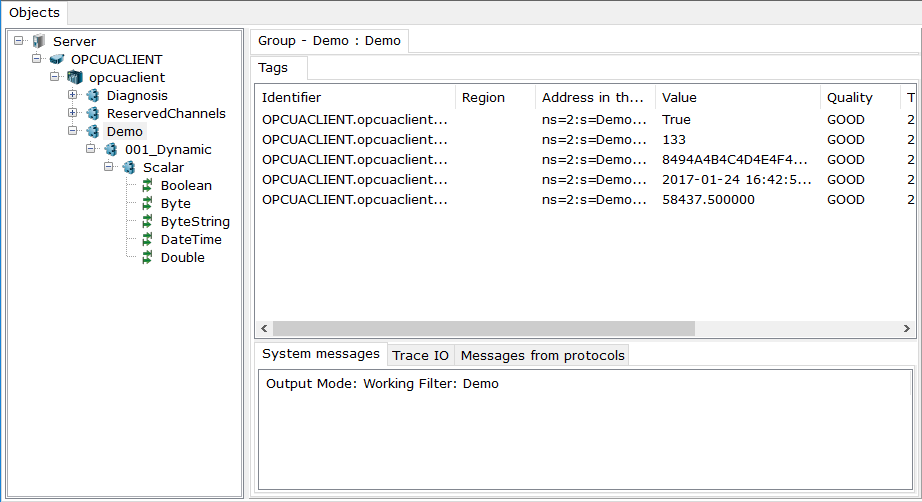
Next, you should switch Multi-Protocol MasterOPC Server to the run-time mode (see Operation Modes ):